
How a Multi-Camera Studio Is Specified, Rigged and Run
7 min read
A walk through the real sequence behind a studio camera setup: reading the brief, rigging on the day before, line-up in the morning and what happens during a recording.
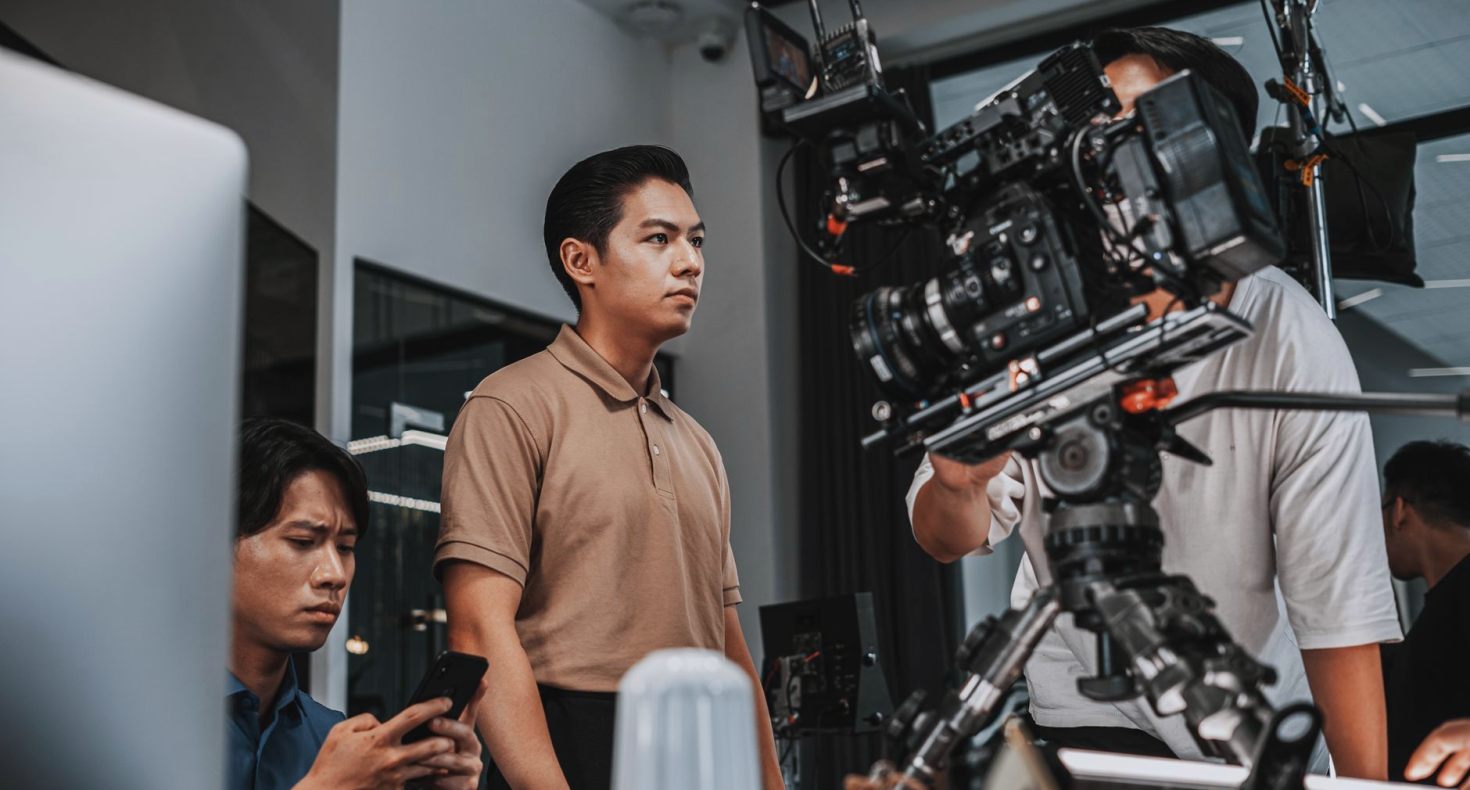
Starting from the brief, not the equipment
Every studio camera job begins with a conversation about what the programme needs to look like and how it will be made. Before anyone mentions camera models, I ask who is on set, how much they move, how long the recording runs and whether anything goes out live. A seated two-person discussion asks very different things of a camera package than a presenter walking between three set areas.
From those answers we draft a camera plan on paper: positions, lens ranges, which shots are wide, which are close, and where the operators and cable runs can sit without crossing the talent's paths. This is the document everyone else works from, including lighting and audio, so it gets circulated early and revised until the people who share the floor are comfortable with it.
We also note what the studio itself provides. Some venues have fixed cable routes and a gallery; others are a bare room that needs everything brought in. Knowing which applies decides the size of the crew and the length of the rigging day.
The day before: rigging and cabling
Rigging normally happens the day before recording, and it is the least glamorous and most important stage. Pedestals are placed to the plan, heads are mounted and balanced, and each camera is cabled back to the control room. Cables are labelled at both ends and dressed along the edges of the floor so nobody has to step over a bundle in the middle of a take.
We test every run as it goes in. A camera that shows a picture on a monitor in the rigging hour is not yet proven; we leave it powered, move the head through its full range and watch for dropouts. Faults found now cost ten minutes. Found during rehearsal, they cost the whole room's patience.
Intercom comes next, because operators and the director need to hear each other clearly before anything else is judged. We check every headset, then agree call names for the cameras so the language in the gallery is settled before the first rehearsal.
Line-up on the morning of the recording
On the day we start with line-up. Each camera looks at the same reference chart under the studio lighting once Hannah's team has settled it, and we match exposure, white balance and colour so that cutting between cameras never shifts the skin tone of the person on screen. Matching takes patience; two cameras that look identical on a chart can still drift on a face.
Then we check focus and framing against marks on the floor. Presenters rarely stand exactly where the plan says, so operators learn the real range of movement during a walk-through. Zoom limits and shot sizes are agreed aloud with the director, and the operators write their opening shots on a card clipped to the camera.
Last in this stage is the vision mixer. The person cutting the programme runs through the camera order against a rehearsal script, so that when the first guest is seated the switching has already been practised once without pressure.
During the recording: what the crew actually does
Once recording starts, most of the work is quiet. Operators hold their shots, listen to the director's calls and make small corrections, easing a frame a little looser when a speaker leans forward or tightening on a reaction just before the cut. Good camera work is rarely noticed, and the aim is that the viewer follows the conversation and never the cameras.
In the gallery, the director calls shots a beat ahead of the cut, giving operators time to settle. The vision mixer follows the call, and a separate person watches the monitor wall for anything wrong: a boom in frame, a stray reflection, a camera drifting out of focus. That person's job is simply to notice, and to say so on the intercom without drama.
Breaks are planned into the schedule, not left to chance. A short pause after each segment lets operators reset, lets audio check batteries, and gives the director a moment to review the last section while it is still fresh.
When things go wrong, and how we plan for it
Something always needs attention during a long recording day. A head loses its balance after a heavy lens change, a cable pulls loose when a guest brushes it, or a camera shows noise in a darker corner of the set. We plan around this by carrying spares of the small parts that fail most often and by agreeing in advance what the fallback is for each camera.
For live shows the rule is stricter. Every camera has a clear role, and the programme must still make sense if one of them is lost. We rehearse that deliberately, cutting out one camera in the final run so the director and vision mixer know what the show looks like without it.
The point of all this preparation is that problems become routine decisions, made calmly and quickly, rather than a crisis in the gallery. A calm gallery is a direct result of the rigging day and the line-up, not of luck on the day.
After the last take: wrap and handover
Recording ending does not end our work. Pedestals are parked, heads locked, cables coiled to the lengths they were run at, and every item checked against the kit list before it leaves the floor. Packing in a fixed order means the next job begins with equipment that is accounted for.
We also write a short note on what worked and what did not. If a camera position blocked the presenter's sightline, or a shot we planned never found its place in the edit, that goes into the file for the next recording with the same client. Series work improves most through these small, specific notes.
Finally, we hand over the camera plan as it was actually used, with any changes marked. A producer returning in a few months can start from what ran, not from the first draft.
A studio camera system looks simple from the audience side, but it rests on a sequence: a clear brief, a plan on paper, a careful rig, a patient line-up and a calm gallery. Each stage is small and ordinary, and together they are what make a recording feel effortless. If you are planning a programme and want to talk through your own camera layout, the contact page is the place to start.